Free
$0 forever
Make your first film on the desk.
- One active project
- Basic editing and agent chat
- Open and export existing work
For YouTube documentary makers · Windows
Swiftbird puts a whole documentary on one desk. One Chat drives your own Claude Code or Codex, and every film's script, shots, scenes, thumbnails, calendar and upload sit one click away.
not downloadable yet — the list is how you hear first
A staged enactment from the Swiftbird ad, not a recording of a real agent run.The app itself sends proposals to your agent; Blender stays unchanged until the agent builds them.
Swiftbird drives the Claude Code or Codex you already use. It sells no AI, and your provider bills you directly.
Swiftbird keeps your films, scripts, media, conversations and keys on your PC and never uploads them. Its cloud holds your sign-in and minimal billing history; what you send your agent goes to its provider.
Blender, Remotion and Premiere make the picture. Swiftbird shows you the work, carries your corrections and keeps the film in order.
The shot list
Swiftbird is a front end to the way documentaries are already made: a folder per film, agents working in the repository, and you reviewing and correcting. It reads your film's real files in place and never moves them.
One conversation runs the studio. Ask for research, a script, a scene fix or a thumbnail, and the answer opens the page that holds the work.
Chat talks to the Claude Code or Codex CLI installed on your computer, with its own skills, tools and sign-in. Switch provider beside the composer, and pick the model and reasoning level in one menu. When an agent finishes, it returns buttons such as Open in Production, not a wall of file paths.
R032 reads well from the sea. Two things before review: the stair rail stops short of the lantern floor, and the dusk sky is brighter than R031b's. I've noted both in the lane handoff for you to approve. Nothing has been rendered.
Every shot of the film in order, with its line of narration, its build route and what exists for it right now.
Production imports the film's script and visual sheet in place. Open a row to see its stills full screen, its rendered segment if one exists, and where its source lives. Select words in the script, or write a note on a shot, and the correction goes to Chat with the exact text and revision it refers to.
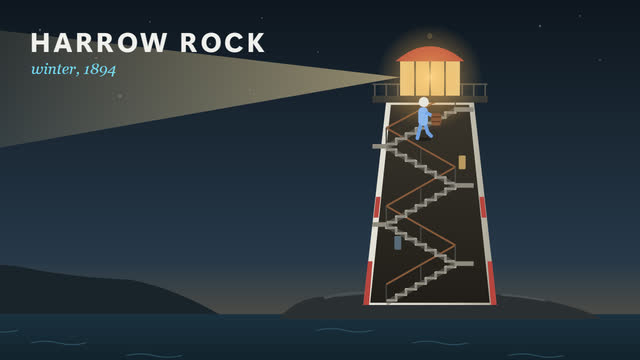
Stop describing camera moves in paragraphs. Show them.
The scene editor is a light wireframe view of a saved Blender shot. Block out where something should go and name what it should be, move and key the camera, preview the path and measure distances. Your edits become a precise proposal that goes to your agent through Chat; the agent builds the change in Blender, and you compare the result against exactly what you asked for.
Every version of the thumbnail in one place, compared at the size people will actually see it.
Thumbnails shows the film's thumbnail folder with its versions. Compare two or three, pick a visual target and write a correction: composition, type, lighting, object scale. The note goes to Chat, where your agent makes the next version with the image tools it already has.
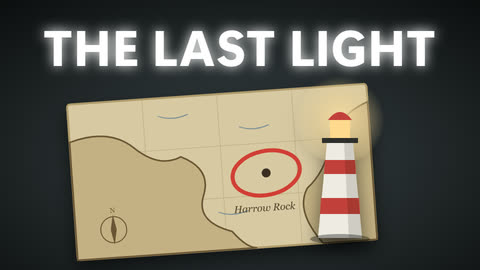
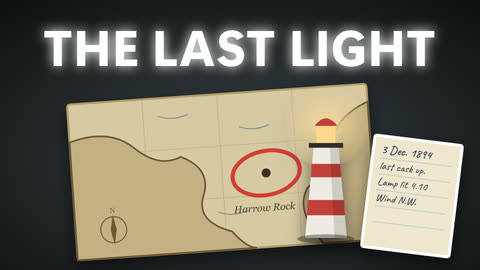
A month of approved titles, with the problems flagged before they become late nights.
Calendar shows only titles you've approved. Propose a date with the date picker, edit a title card's wording, and see alerts for date issues, schedule reviews and approvals waiting on you. Save a date locally, or draft it into Chat for your agent to plan the work.
Title, thumbnail, description, tags and visibility, prepared next to the exact file they belong to.
Publishing gathers everything YouTube asks for: title, description, tags, category, audience, the altered-or-synthetic-content answer, visibility and an optional scheduled release time, plus up to three thumbnail variants to test in YouTube Studio. Review upload shows the exact final file and thumbnail before anything could be sent.
Ready for the next audience.
v4How a film moves
Swiftbird doesn't replace your workflow or your tools. It keeps each step's evidence in view, and keeps every approval in your hands.
Research findings arrive as cards in Chat, with their sources and their gaps. Shortlist, dismiss or approve a title, then give it a date in Calendar.
Your agent drafts in the film's folder. You read it in Production, select the lines that need work, and approve it when it's right. An agent never approves its own script.
Agents build scenes in Blender and graphics in Remotion, lane by lane. Production shows each shot's stills and checkpoints; notes and scene-editor proposals go straight back to the right agent.
Lay out voice and notes in the film editor, then hand the sequence to Premiere as XML. Premiere finishes the film; your own narration edits are preserved.
Fill in the release details next to the final export and thumbnail, then review exactly what would be uploaded. Planning a date never publishes anything.
Pricing
Every plan needs a Swiftbird sign-in. Plus and Pro are coming soon; they can't be bought yet. Your AI subscription is separate and billed by your provider.
$0 forever
Make your first film on the desk.
$5 per month
For a channel with more than one film in flight.
$10 per month
For people who run the desk in batches.
Windows waitlist
Swiftbird runs on Windows and isn't downloadable yet. Leave your email and you'll hear the day it is.
one email, when it's ready — that's all